Dashboard
Everything you've tracked, at mconfirm.com/app — on desktop and phone.
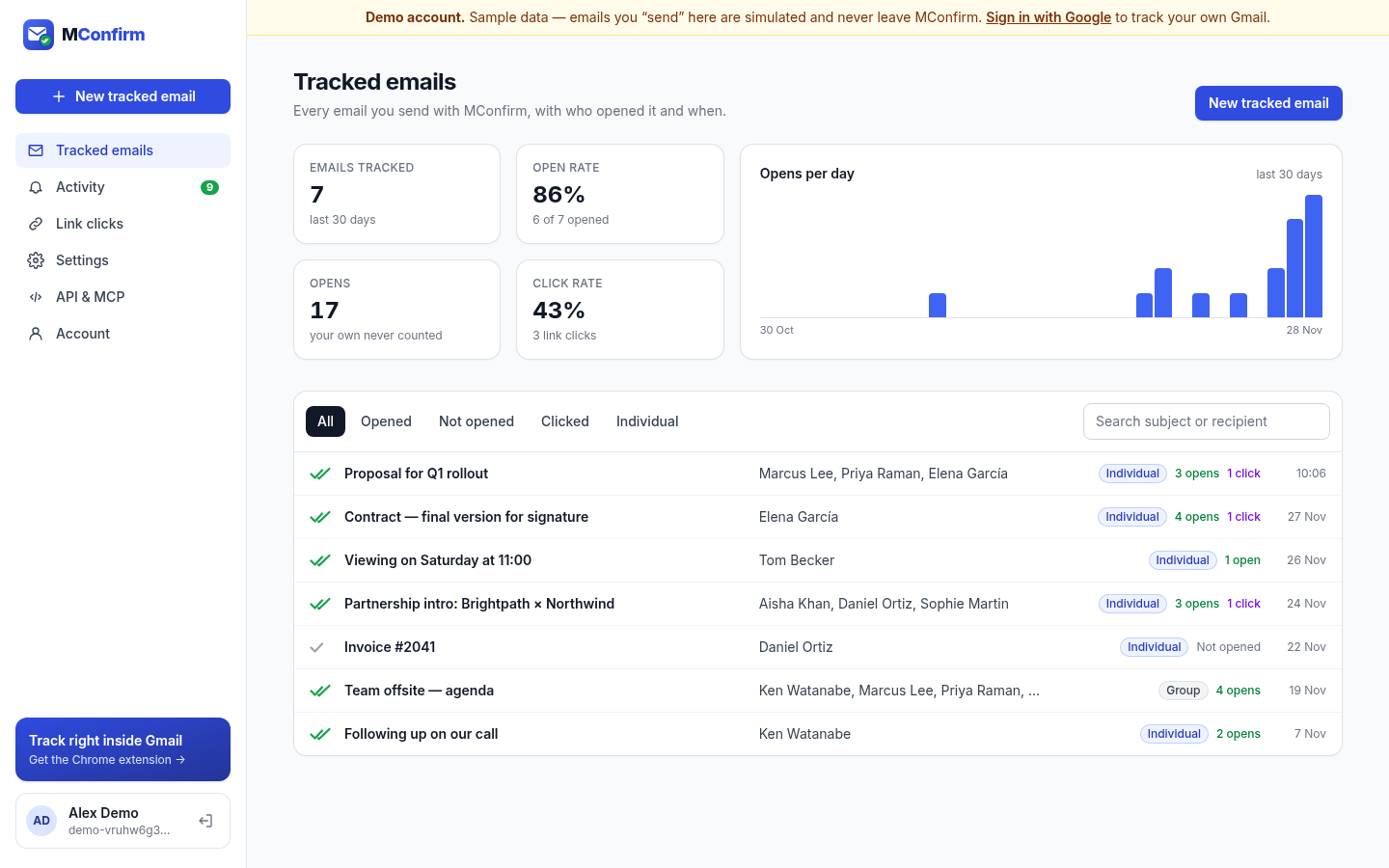
Tracked emails
The home screen lists every tracked email with its recipients, opens, clicks and last activity, plus your open and click rates for the last 30 days. Filter by All, Opened, Not opened, Clicked, Individual or Group, and search by subject or recipient.
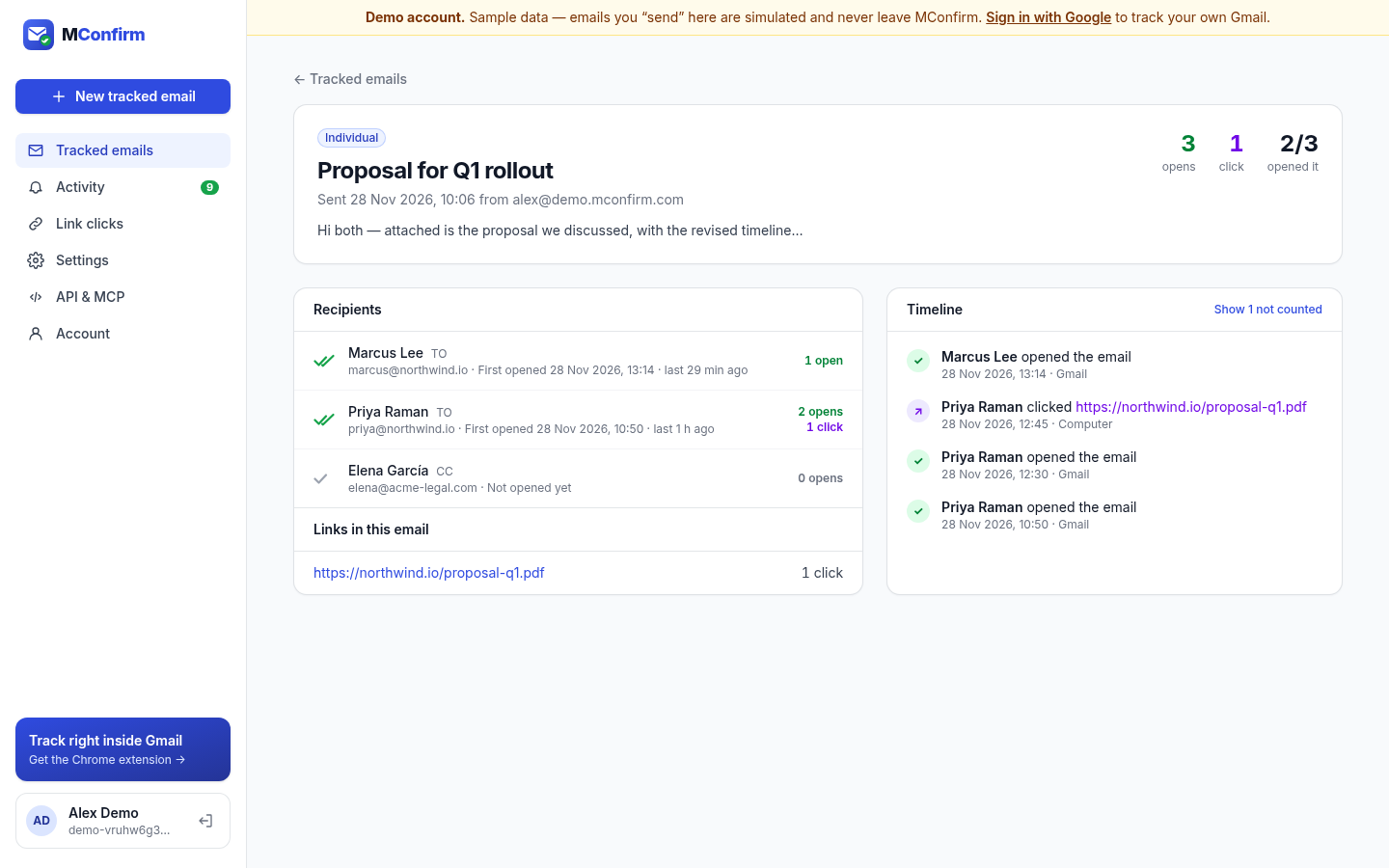
Email detail
Open an email to see each recipient's status, first and last open, open and click counts, and a timeline of every event. Events MConfirm ignored — your own opens, prefetches, duplicates — are listed too, marked as not counted, so you can see why.
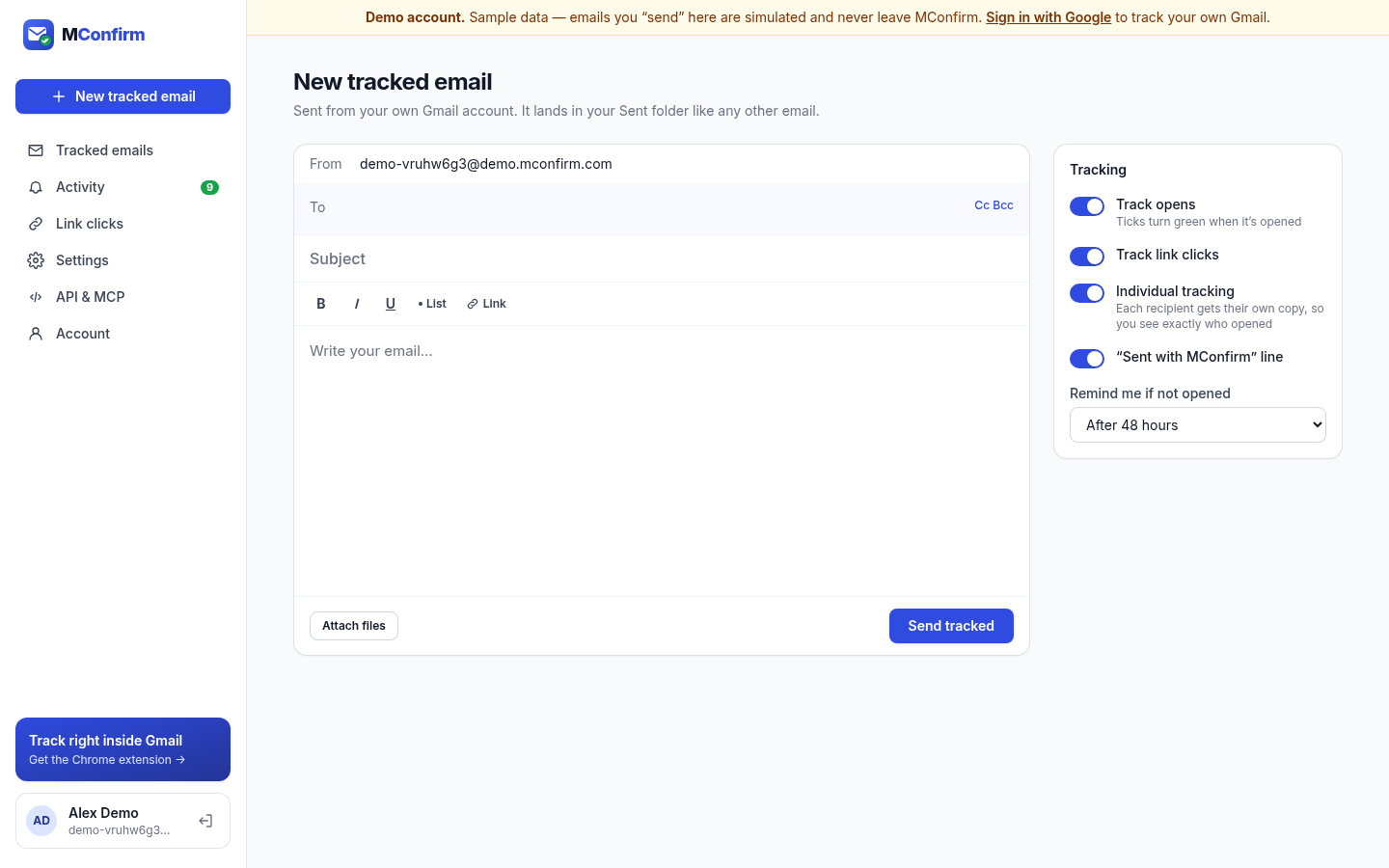
Compose
Write and send a tracked email straight from the dashboard — with attachments, individual tracking and a not-opened reminder. It is sent from your Gmail and appears in your Sent folder.
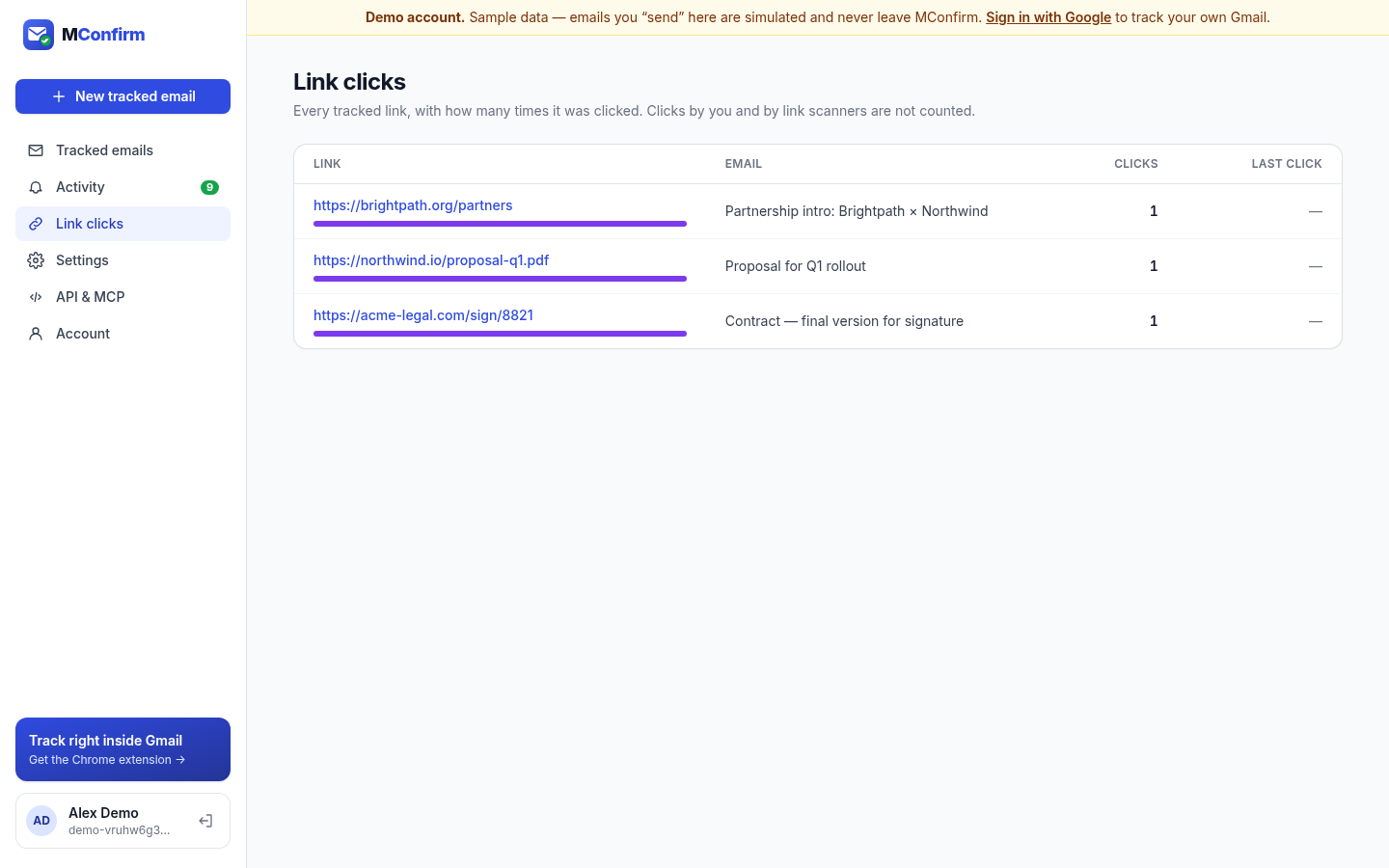
Links
Every tracked link across your emails, with total clicks and how many recipients clicked.
Activity
The full notification feed: opens, clicks, re-open alerts, hot conversations and reminders.