Account & Gmail connection
Sign-in, the Gmail permission, signed-in devices — and how to leave.
The Gmail permission
MConfirm asks Google for full Gmail access (https://mail.google.com/), the same level other Gmail trackers use. It is needed to:
- send each recipient of a group email their own copy through Gmail's mail server;
- permanently remove those per-recipient copies from your Sent folder and leave one clean copy in the thread;
- read the headers of the message you reply to, so replies thread correctly;
- place “opened again” and “not opened” notes in your own threads.
MConfirm never reads or stores the content of your mailbox.
Connection status
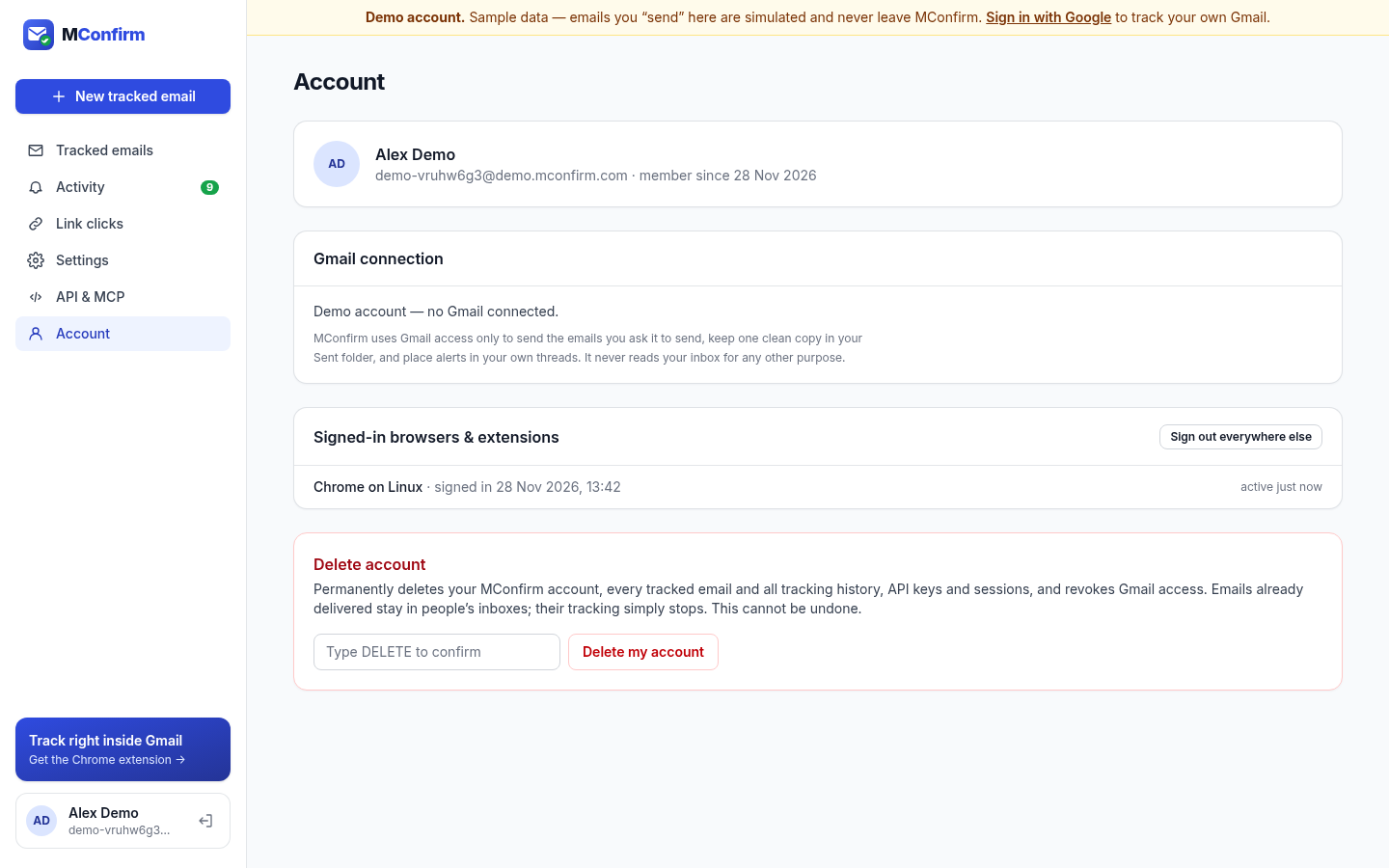
The Account page shows whether Gmail is Connected. If Google access was removed or expired, it shows Reconnect Gmail — your history is kept, and sending resumes once you reconnect.
Disconnect Gmail
Disconnect Gmail revokes MConfirm's access with Google and deletes the tokens. Tracking of emails already sent keeps working; sending through MConfirm stops until you connect again.
Signed-in devices
You can see and sign out your browser sessions and the Chrome extension.
Delete your account
Delete account permanently deletes your account, tracked emails, events, notifications, API keys and sessions, and revokes Gmail access.